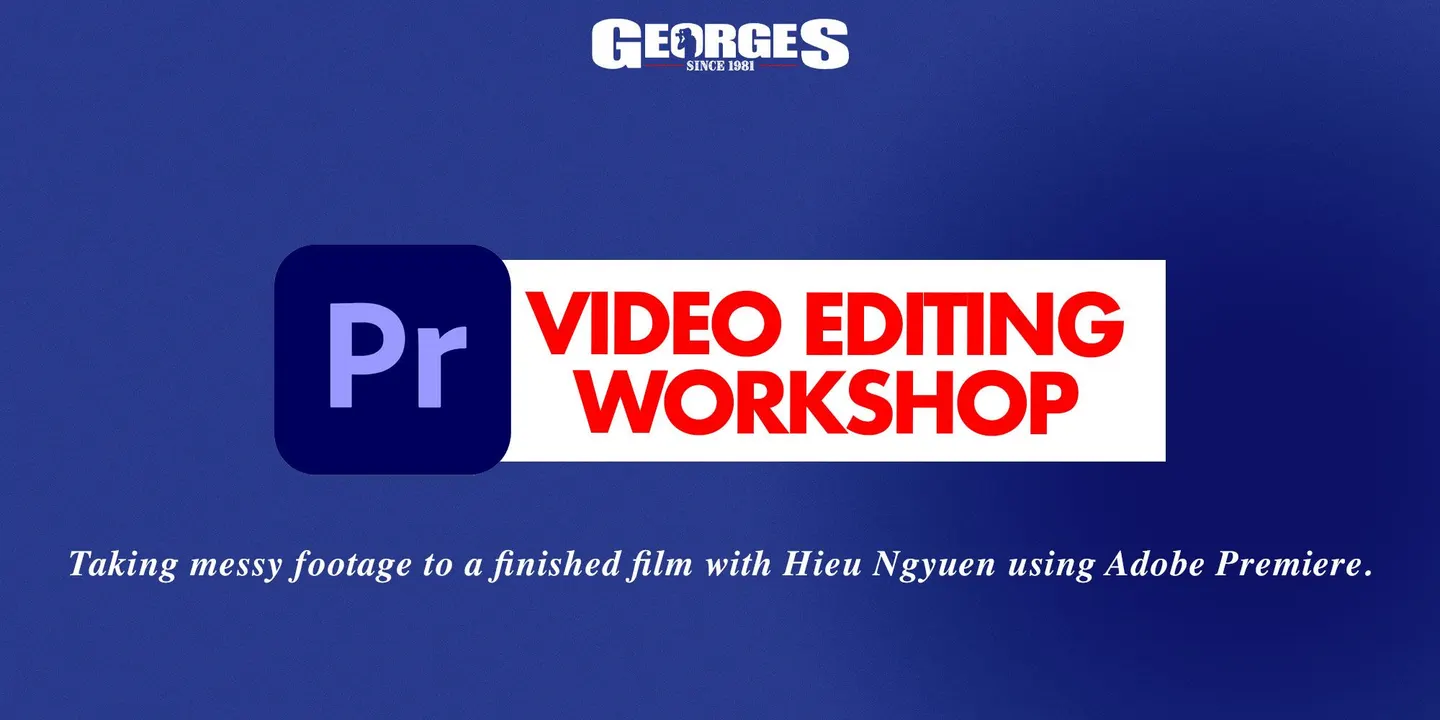
Video Editing in Adobe Premiere: From uncut footage to a finished film.
Video Editing in Adobe Premiere: From uncut footage to a finished film. takes place on Sat, 7 Nov 2026 at 4:30 pm (GMT+11) at Georges Cameras Chatswood in Sydney, NSW, and runs until 8:30 pm. Tickets are $124 + on Events.
About this event
Join a practical video editing workshop led by filmmaker Hieu Nguyen, where participants learn to transform messy footage into polished films using Adobe Premiere. The session covers effective workflows, file management, editing techniques, and social media exporting, providing a repeatable process for creators.
Full description from organizerShow less
Video Editing Workshop: From Messy Footage to Finished Film using Adobe Premiere Learn workflows, boost your speed, and build a system you can use on every project. If you’ve ever opened a folder of footage and immediately felt overwhelmed by too many clips, no structure, messy audio, and edits that take twice as long as they should, this workshop is for you. We’ll guide you through a clear, professional workflow that keeps you organized, helps your computer run smoothly, and gets you to a finished cut without the chaos. This is a practical, hands-on session focused on real-world editing. We’ll cover file management that actually stays clean, proxy and offline editing for fast performance, shaping your story with pacing and structure, and polishing your audio so your work feels “finished,” not just “done.” We’ll also cover social-first delivery, including how to reframe, tighten pacing, and export properly so your content looks sharp wherever it’s posted. You won’t leave with a random list of tricks. Instead, you’ll leave with a repeatable process, the same kind of structure editors rely on when deadlines are tight and revisions are part of the job. What you’ll learn Workflow + file management (so you can find anything, instantly) How to structure your projects so nothing goes missing, links don’t break, and you can hand work off cleanly if you ever need to. This is the foundation that makes everything else faster. Offline vs online editing (and why proxies matter) What “offline” and “online” actually mean, when to use proxies, and how to keep your timeline smooth even on a laptop. You’ll also learn how to avoid the common proxy mistakes that create relinking nightmares later. Editing techniques that make your cut feel intentional How to tighten pacing, shape scenes, smooth transitions, and make imperfect footage work. This is where your edit stops feeling like clips in a row and starts feeling like a film. Music + sound effects (the jump from “fine” to “finished”) A simple audio workflow: cleaning dialogue, setting levels, using sound effects without overdoing it, and choosing music that supports the story instead of fighting it. Time-saving tools + “secret” features Small features, shortcuts, and settings that remove friction and speed up your workflow without turning your edit into an effects demo. Speed ramping How to use speed ramps when they actually improve the shot, and when they can ruin it. You’ll learn a clean approach that looks modern, not gimmicky.n, not gimmicky. Social editing + exporting How to reframe for vertical, choose the right aspect ratio, adjust pacing for platform, and export in a way that keeps quality high (without giant file sizes or crunchy compression). Who it’s for Creators who shoot their own content and want it to look polished, photographers moving into hybrid, videographers who want faster turnaround without sacrificing quality, and anyone who’s over “random editing” and wants a reliable process. What you’ll leave with • A complete, repeatable editing workflow you can use for every job • A file structure template that keeps projects clean • A proxy/offline editing setup that makes your laptop feel twice as fast • A practical checklist for social exports and delivery If you want to learn to colour grade, tickets are available for our work on the following day (Sunday). Tickets are here! Your Instructor: Hieu Nguyen is a filmmaker who’s done the whole loop! Starting in VFX, then stepping onto set as a DoP, and now leading projects end-to-end as a director, editor and colourist. He’s tertiary educated with a Bachelor of Digital Media (Billy Blue) and a Master’s in Direction & Cinematography from AFTRS, and has spent the last 14+ years working across filmmaking, animation, post and grading for agencies and major brands. He’s the co-founder of Piecemaker Films, and if you’ve seen many of the videos created for Georges, there’s a good chance you’ve seen his work. Hieu’s known for clean workflow, sharp taste, and making messy footage look intentional, polished and client-ready.
Keep going
All Sydney events →Similar events
View all →
Details
- When
- Sat, 7 Nov 2026 · 4:30 pm (GMT+11) · until 8:30 pm
- Where
- Georges Cameras Chatswood
- Address
- Unit 27, 1/7 Short St, Chatswood NSW 2067, Australia
- Price
- $124 +
Questions
- When is Video Editing in Adobe Premiere: From uncut footage to a finished film.?
- Sat, 7 Nov 2026 at 4:30 pm GMT+11.
- How much are tickets for Video Editing in Adobe Premiere: From uncut footage to a finished film.?
- Tickets are $124 +.
- Where is Video Editing in Adobe Premiere: From uncut footage to a finished film.?
- Georges Cameras Chatswood, Unit 27, 1/7 Short St, Chatswood NSW 2067, Australia, Sydney, NSW.
- Where can I buy tickets for Video Editing in Adobe Premiere: From uncut footage to a finished film.?
- Tickets are sold on Events. This page links straight to that listing; no tickets are sold here.
- What time does Video Editing in Adobe Premiere: From uncut footage to a finished film. end?
- It runs until 8:30 pm.